Preparation
01 · Define the purpose
- Decide if the goal is: To plan an ideal day. To reflect on the current routine. To design a focused themed day (e.g., self-care, productivity, teamwork).
- To plan an ideal day.
- To reflect on the current routine.
- To design a focused themed day (e.g., self-care, productivity, teamwork).
02 · Prepare the materials
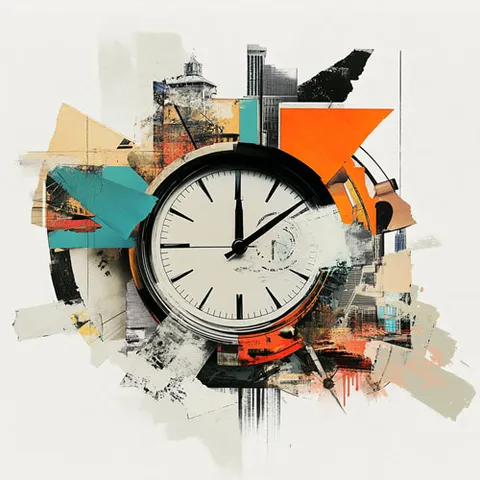
- Physical format: Printed blank clocks with hourly divisions.
- Digital format: Editable templates using tools like Canva or Google Slides.
03 · Set guiding questions
- What activities are essential in your day?
- How much time do you dedicate to each activity?
- What changes would you make to improve your routine?
04 · Set up the space
- Arrange comfortable tables or workspaces.
- If virtual, prepare a shared board or collaborative tool.
Step-by-step instructions
1
Introduce the purpose
- Explain the activity's goal and how it will help reflect on time management and activity organization.
- Present the clock templates and show a completed example.
2
Distribute blank clocks
- Provide each participant with a physical or digital blank clock.
- Explain that they will need to fill the clock's segments with specific activities.
3
Filling the clock
- Ask participants to organize their activities on the clock:
- Options: A current day, an ideal day, or a themed day.
- Encourage them to include time for work, rest, leisure, and self-care.
4
Review and group discussion
- Invite participants to share their clocks with the group.
- Facilitate a discussion using guiding questions:
- What did you discover about your use of time?
- What patterns or imbalances did you identify?
- What adjustments would you make to your routine?
5
Closing and reflections
- Summarize key insights about time management and the importance of balance.
- Encourage participants to apply the changes or strategies identified in their daily lives.
Activity variations
- Current day vs. ideal day: Participants complete one clock with their current routine and another with their ideal day, comparing both at the end.
- Themed focus: Design a day focused on productivity, self-care, or group activities.
- Teamwork: Participants collaborate to design a "group clock" reflecting a balanced day for a shared project or activity.
- Follow-up evaluation: Reflect in a future session on how the planned changes were implemented.
Materials
Physical or digital templates of blank clocks.
Markers, pencils, or digital tools to complete the templates.
Examples of completed clocks.
Practical recommendations
Provide examples
Share completed clocks with different approaches to inspire participants.
Promote balance
Encourage participants to include both productive activities and moments of rest and leisure.
Document results
Save photos or screenshots of the clocks for future reflection.
Adapt to the context
Customize the templates based on the group's objectives or the workshop's theme.
Inspiration
Time management templates
, Canva